How to Play Farm an Island
Master the core loop from first seed to your next land purchase.
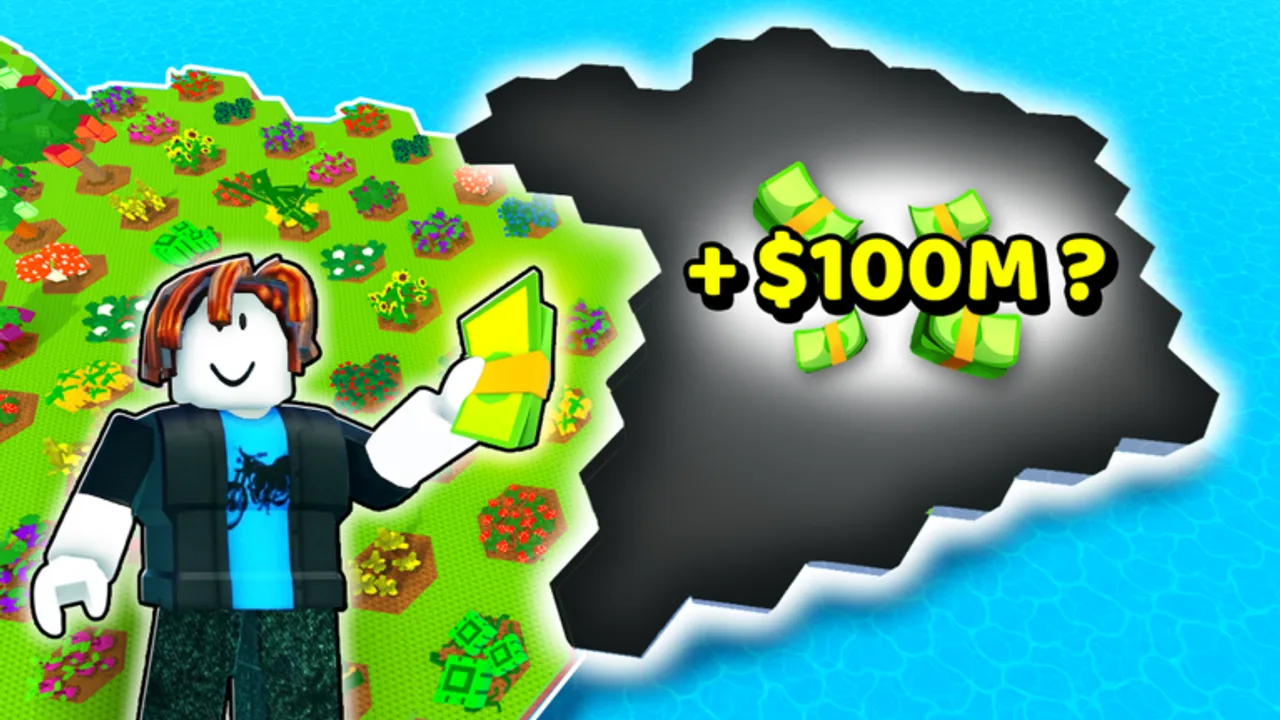
Farm an Island is a Roblox farming simulation by Boiler Games where progress comes from a simple repeating loop: plant seeds → harvest crops → trade at the Bank for cash → buy more land → expand. Chickens and gears accelerate the cycle, but every player starts with the same small island and a handful of seeds.
This guide explains the full beginner path so your first hour matches what experienced players do — no wasted plots, no selling at the wrong time, and no confusion about where the Bank or Shop live on the map.
Before you start
Launch the official game: Farm an Island on Roblox. The experience supports PC, mobile, tablet, and console with controller support. Online servers hold up to five players; you each maintain your own farm on shared servers.
Redeem free boosts on Farm an Island Codes before planting:
THANKYOU— 2 Free Seed PacksILOVEGEARS— 3 Free Gears
Use How to Redeem Codes if the Shop menu Codes box is hard to find.
Step 1: Learn your starting island
When you spawn, identify three landmarks immediately:
- Your farm plots — tillable soil where seeds go
- The Bank — where harvested crops become cash
- The Shop — seeds, gears, land deeds, and codes
Take thirty seconds to walk the perimeter. Empty space you unlock later should stay flat and reachable — paths matter once you own more tiles. The gameplay map review video on this page shows common layouts if you are visual learner.
Step 2: Plant your first seeds
Open inventory or the Shop, select a seed pack, and plant on open plots. Early game, fill every available tile before waiting — idle land earns nothing.
Check the Seeds Tier List before committing long-term: some crops grow fast but sell cheap, while slower crops fund land faster. With free packs from codes, prioritize higher Bank value per minute, not just fastest growth.
Equip any gears from ILOVEGEARS — they usually speed planting, harvesting, or travel. See Controls for how to swap tools on your platform.
Step 3: Harvest when crops are ready
Crops show a visual ready state (glow, size change, or interaction prompt depending on plant type). Harvest everything before replanting the same tile — leftover growth blocks new seeds.
Harvest in batches: walk rows in a pattern so you do not double-back across the island. On mobile, drag camera while moving; on console, use shoulder buttons to rotate view if available.
Step 4: Sell at the Bank
Carry harvested goods to the Bank and trade for cash. This is the only reliable income source early on — do not hoard produce hoping for a bonus unless a future update adds one (none exists in the base loop today).
Bank first, replant second. New players often replant with empty pockets and stall progression for one full growth cycle.
Step 5: Reinvest — seeds or land?
With cash in hand, choose:
More seeds if plots are empty and you have land unlocked. Land expansion if every tile is full and you have spare cash — see Expand Your Island.
A balanced early rule: never buy land you cannot seed the same session. One empty deed wastes compounding harvests.
For tighter math on what to buy when, read Make Money Fast.
Step 6: Add chickens when affordable
Chickens help farming once you can afford them — they support the loop rather than replacing Bank trading. Details are in the Chickens Guide; skip them until basic planting feels automatic.
Step 7: Scale with friends (optional)
Up to five players share a server. You do not share islands, but co-op sessions help compare crop picks and spot Bank routes you missed. Competitive friends race on land count — use codes and tier lists so you are not behind on day one.
Mid-game habits that stick
- Log in, harvest, Bank, replant — treat it like a checklist
- Watch Discord (invite link) for codes after updates
- Learn one advanced trick — XL Plant Trick when plots feel crowded
- Avoid confusing games — this is not Build an Island or Roblox Islands
Common beginner mistakes
| Mistake | Fix |
|---|---|
| Planting without checking seed value | Use Seeds Tier List |
| Skipping Bank before replanting | Sell first, always |
| Buying land with no seeds left | Buy seeds, then land |
| Ignoring free codes | Redeem on Codes page list |
| Wrong game entirely | Verify place ID 78769336859161 |
Where to go next
You understand the loop. Push income with Make Money Fast, plan tiles with Expand Your Island, optimize layouts via XL Plant Trick, and fine-tune inputs on Controls. The Guides Hub indexes every page if you get lost.
Frequently Asked Questions
Quick answers for Farm an Island players.
What is the main gameplay loop in Farm an Island?
Plant seeds, harvest crops, sell at the Bank for cash, buy more land, and repeat. Chickens and gears speed up the loop but do not replace Bank trading.
Where is the Bank in Farm an Island?
The Bank is a fixed landmark on your island map — walk harvested crops there to convert them into cash before replanting.
Should I buy seeds or land first?
Buy seeds if you have empty plots. Buy land only when every current tile is planted and you still have cash left for seeds to fill new tiles.
Can beginners play on mobile?
Yes. Farm an Island supports mobile, tablet, PC, and console. See the Controls guide if planting feels awkward on touch or gamepad.
How do free codes help new players?
THANKYOU gives 2 Free Seed Packs and ILOVEGEARS gives 3 Free Gears — both jump-start planting and harvesting before your first Bank trip.